20 Years?!
This is bad, it’s actually over 20 years now I think and I’m not even that old actually, 29 at the time of writing this. That’s a long time to have tinkered with Linux. I’ve essentially grown up with it now. These tools and I have come to maturity (or lack there of) together through the years and I think it’s interesting now looking at the state of the actual tools themselves as well as, lets say the ‘community’, around this grouping of utilities we have come to know and love as Linux, or actually GNU/Linux, today.
I don’t think I’m inherently good at computers, most of my pretty basic understanding of Unix Systems has been sort of shoehorned into me by habit and normalcy. Reflecting back though these tools and their working togetherness have all come a long way when it comes to the regular user.
Early Years
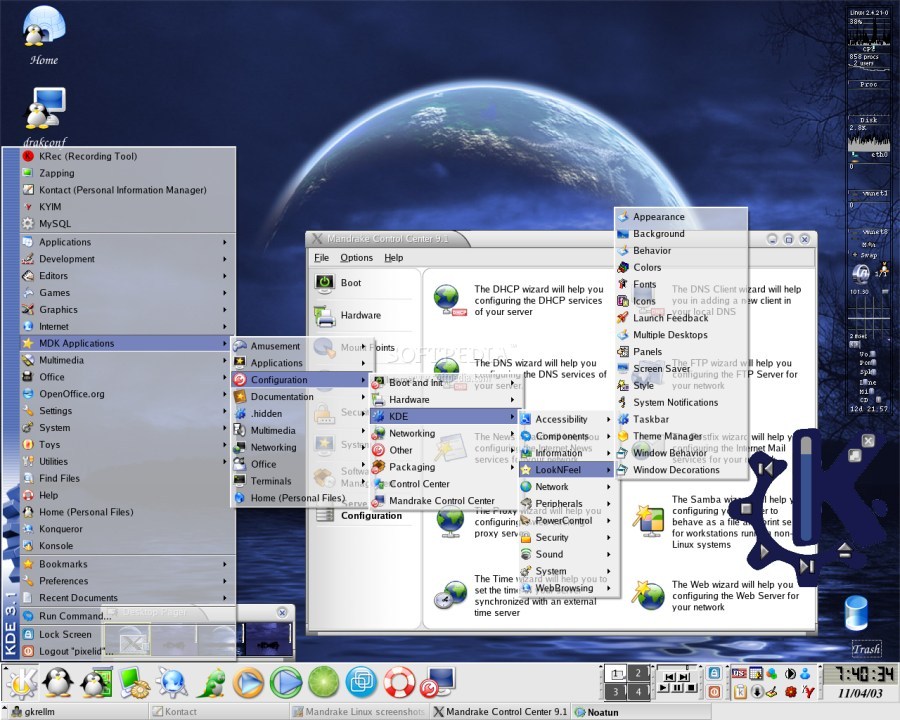
Originally I was introduced to Linux through Mandrake back in I wanna say around 2008 when I was given a dusty ole workstation by a neighbor so I’d stop changing all the settings on my dad’s work laptop.
After learning I wasn’t just on a different theme of Windows (I was about 8 or so at this time) I set about unknowingly recreating a lot classic desktop Linux tropes from the era. Breaking the sound, making my monitor stop working, totally killing X Server and not knowing what that was and having to reinstall. I tried so many times to make a custom boot splash screen that lead me to reinstall I’m not sure how many times. As a wee lad at the time I had no internet on my computer so the built in man pages were my sources of things to haphazardly copy and paste into Vi before :wq’ing my way to destruction.
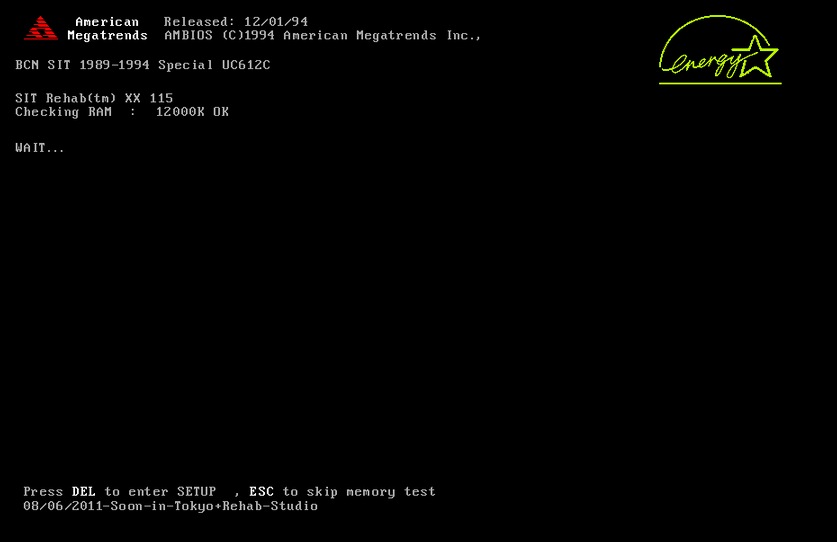
While I didn’t understand a single thing I was doing, what I did take away was I had, through the use of the black box that is the terminal and the mysterious built in Vi tool, found that at least in the Linux world I could change any or every aspect of the way the computer worked. Whether it worked for the better or for the worse was really up to me. Usually it was worse.
The Seed was Planted
I wasn’t an inherent tinkerer through my youth years but because of my initial impressions of how they worked I still had that “I’m in charge at the end of the day” mentality in the back of my head. I was usually on the computer to edit videos relating to me being bad at special effects or being a part of larger skate video projects, no tinkering required. Occasionally though lots of work would be lost due to some silly rendering setting or something and so while I didn’t connect this at the time, my early days of Linux tinkering came in handy.
Here though I discovered in a video production class that a friend of mine also knew of these Unix tools I had become aware of during my early days of that first workstation. When lots of settings needed to be changed in Primere Pro to get it working how we wanted it for some project he’d fly into the terminal, open some settings file in Vim and d$ ci( @3w :norm<> ctrl+} g? his way around and in 5 minutes we were up and running with something that was taking everyone else hours.
I think this is where two things I knew separately were connected into an actual understanding.
- What you’re clicking is actually just running something in the background. He changed things that there were buttons for somewhere. I hadn’t made that leap of concept yet.
- Knowing what that thing is means you can skip all the steps and get right to the answer. Vim wasn’t a tool to change low level Linux settings, it just opened whatever.
Evan here knew the tool which made it way more interesting, and importantly knew what to do with the tool. This is where I actually started to understand Vi or maybe it was Vim at this point. It wasn’t just how you opened settings files, it opened any text file, which could contain settings or not, and you could make whatever changes you wanted. The fact this was built into even the mainstream Mac made it have a feeling of versatility. I could take this understanding elsewhere. Everything is files, everything can be edited with Vim if you knew where it was.
Habits
Pretty much out of momentum at this point I just sort of stuck with these tools. I didn’t learn too much about them in themselves, I just liked the fact they were sort of niche, worked the way I wanted, and I could use them in place of expensive software. The barrier to entry seemed relatively low as I think having messed around with them previously they made at least 4% more sense than they did to a first time user.
During university is really when I started to get inherently interested in these programs and the whole Unix philosophy. Having discovered tiling window managers I liked my ability to hackily copy and paste people’s configurations which made working with two windows for assignments on my single laptop screen a bit cleaner. It was cool to remember but take to a practical application the fact that on Linux I could alter not just the color of my window bars and background but the entire system and way in which things were displayed on my computer in the first place.
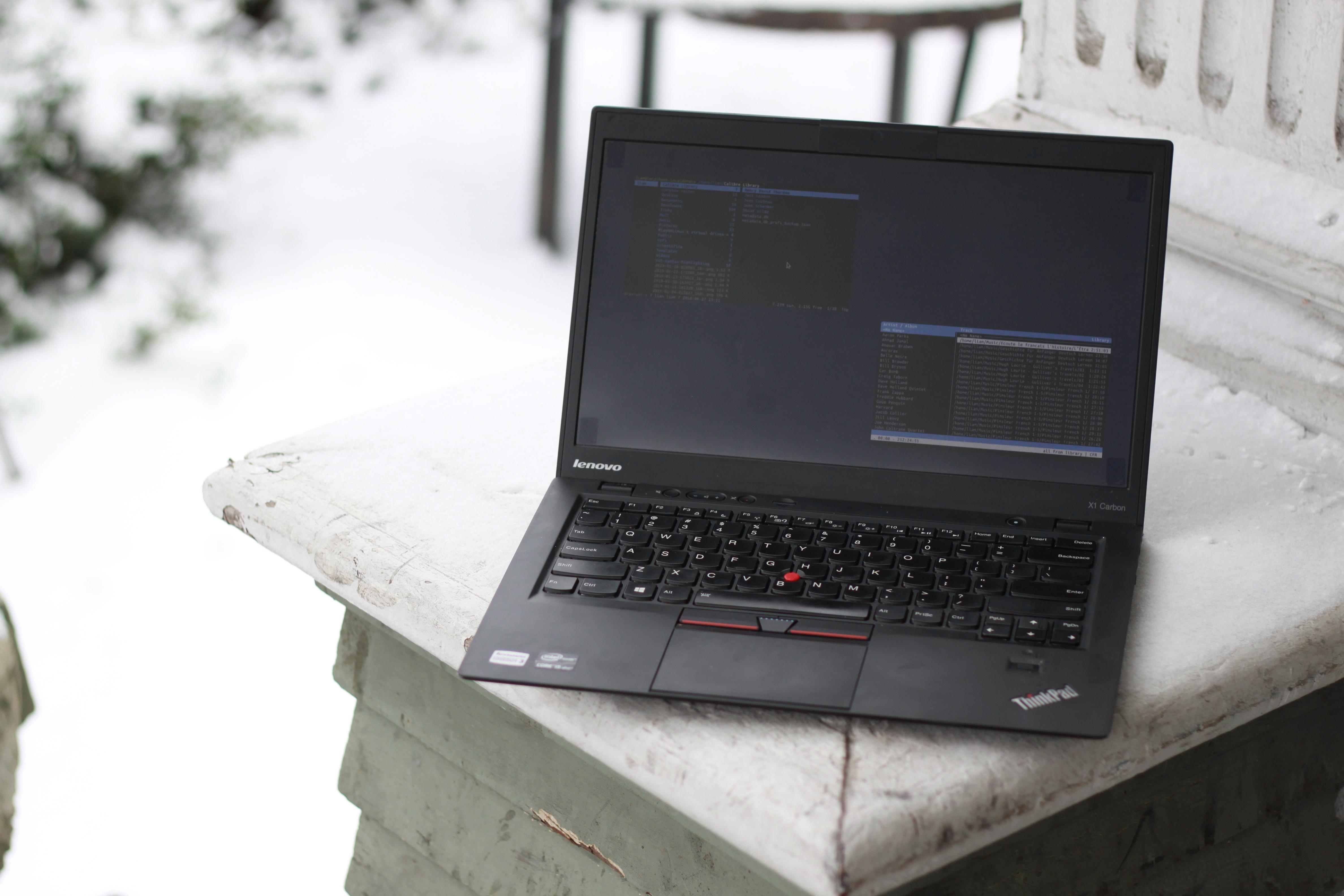
In getting that to work I really became to appreciate the Vim idea of having lots of hot keys. When doing assignments I was always searching for more in Google Docs and the like. My basic understanding of lets say only about 20 different key combos in Vim already made me far less frustrated when working on school projects than the mess of toolbars in MS Word would’ve. At this point I switched to typing notes in Vim because, I mean why not? It was just me reading them so the black background white monospace font didn’t matter. For actual projects or essays I was trying to type them in Vim but thought the best solution was to save them as .txt files and then open them in Google Docs so I could format and turn them in.
Now that I was using what must’ve been NeoVim at this point I was digging into how it too worked. I remember when it was sort of new a thing to :PlugInstall stuff which is funny now comparing to there being mainstream 1 million subscriber YouTube people doing live streams of NeoVim configurations from scratch. I got a pretty basic but effective .vimrc going which I used unedited for about 6 years.
Around this time is when a semi infamous YouTube personality lets say hit the scene and did a few videos on file management and writing documents in Vim with the help of LaTex. It really was me going ‘oh sweet I do an entire essay in Vim?’ that has lead me to the more mid-level of understanding I have of these tools now.
The construction of finished documents in plain text gave me an appreciation for the way Linux works based essentially entire off of plain text files. It also gave me an appreciation for how simple and therefore elegant of a solution this way of using a computer is and so I became again interested in the actual workings of the computer as its own thing.
Also, as I could now do my whole reason for using the computer from these simple programs, I really dove into learning some more nuianced ways of editing things. The boring process of proofreading papers I wasn’t too interested in became like a fun mini game of “okay hmm I see now I want to change that but my cursor is way up there…”
Conclusion
I’m pretty convinced these tools are useful, maybe even more so, to the normal people of the world out there. Whilst you can now use Linux without them, and should switch whether you’re interested in these sorts of things or not, I think their ability to teach you a little bit more of what’s going on behind the buttons is important. Especially now with all this baked in cloud storage and subscription stuff its all too easy for the regular user to not even know where actually in their machine their stuff is. Or if it exists on their machine at all! Might be a rude awakening one day when you go to edit your Christmas letter you’ve been working on only to discover its available only when you have internet.
Knowing how to navigate to, open, make one change, write and quit a simple file in Vim comes with an inherent understanding of a few other structures of your machine without even realizing it. A few other super basic but related skills leaves you with enough of an understanding to feel empowered by your machine instead of forced into it’s built in constraints. Its interesting as usually its developers who also have the ability to bend programs or even make their own who are trying to explain this to the normal crowd of web surfers and email composers. This makes it easy to blow off as maybe good advice but not applicable to you.
But as someone who is in this group, let me say it is still true for you as well!
I now have a certain fondness for these small but oh so powerful programs. It’s in their simplicity that allows them to be used for such a huge wide variety of things. I use NeoVim (actually NixVim because I’ve migrated from legacy distro package management) exclusively for changing the occasional dotfile but mainly writing. That being said its easy for me to get trapped in a rabbit hole of these videos of power user gnar programmers just flyin’ through files and the like because its so satisfying that the same exact tool can be used so differently from the way I’m used to doing so. I can appreciate the way in which a well designed simple tool can be used in such diverse ways.
I diff’ed and patched my way through homework assignments using the same 3kb program Stallman used to write the Lisp Interpreter gone texteditor/OS, Emacs. The simpleness of these tools also means the user is forced to do a little bit of understanding of what is happening in the computer themselves. Less obfuscation by means of buttons and glassy menu bars means I know exactly where that document went in my file path in a way I think is getting lost in more point and click tools.

The switch now to the Linux Desktop is easier than ever, that is built now on the foundation of these tools being integral to the way it works under the hood. I think it’s great now you’ll have a far far less infuriating experience than I did, and it’ll be more like 3 weeks of first times coming across things rather than my 14 years of doing so before it all became normal.
Thanks for having me along for the ride. I’m excited to see how I bork my system when trying to rename a document next.