Current Software Setup
Ah yes, this site used to have semi current information on what my setup was like. Currently, much like the previous updates 5 years ago, I am on NixOS. I had a brief haitus but I’ll talk about that later. The rest of the stack isn’t too outlandish or surprising:
- OS: Nixos
- Browser: QuteBrowser & Firefox
- Editor: GNU Emacs (oh goodness)
- Window Manager: MangoWC (& maybe EWM?)
- Lockscreen: Hyprlock
- Login Manager: Ly
- Terminal: Kitty (or eshell)
- Document Compilation: Typst mainly, occasionally LaTeX, occasionally written in Org-Mode
- Menu/Launcher: Wofi
- Bar: Waybar
I am going to make this a blog post but a copy will be on the top bar. If I go ahead then and make big changes this will continue to be archived in the post but I will change the linked page at the top bar. I may break this up into a few different blog posts so its less huge for anyone who comes across the site.
NixOS
I’ve been using this for a while now, far before it was cool, just sayin’. Originally Evan Relf turned me onto it as he knows what he’s doin’ and doesn’t mess around, just does actual work and this stays out of his way. Since the initial hurtles it’s been a pretty smooth experience these last 6 or maybe even 7 years now. Many new things have come to light, everyone is using flakes which I don’t even think were a think when I first started, and also home-manager. I used to use that, it’s actually talked about in a previous post here that I copied over from the old site, but I don’t think it does as much good as it does harm in my use case so I’m not using it anymore. My whole setup is all in one file! Muahah even I know but hey that was the point originally and so I’m leaving it. I’ll have it posted below actually you can just copy the entire thing if you’re feelin’ wild.
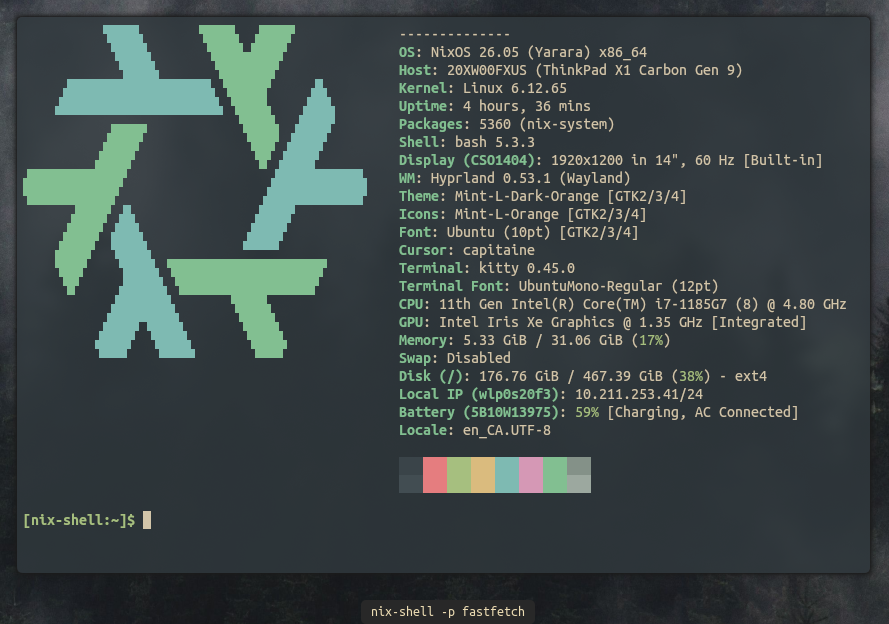
I did, for about 2 months, use Manjaro out of sheer frustration. My old config used to have both the unstable channel for Nix-Pkgs which is neato there are more options and stuff, but also the unstable channel for the Linux Kernal as a whole because I thought it made me cool on the internet. That, that was dumb. I don’t do anything fancy at all on my machine ever so it was entirely pointless; but what it did do was entirely break NixOS which I thought was impossible originally. Some bug was pushed through in my super bleeding edge kernal which broke grub and so my computer didn’t get past the Lenovo screen… I just force quit and put Manjaro Cinnamon on the computer and didn’t change a thing for a few months.
Slowly but surely I added a few programs and pretty quickly though, “this is getting dumb I can just declare this whole thing” and went back to NixOS but this time determined to change not much. So now I am rocking this minimal config which I really like and I’m not sure how it’d be possible to break.
I have reformatted and switched to NixVim which is a lovely way to integrate the new Lua style plugins and language server help into Nix without the addition of a separate ViM package manager. Whilst originally confusing, it was actually a pretty smooth process and wasn’t too hard to make the change.
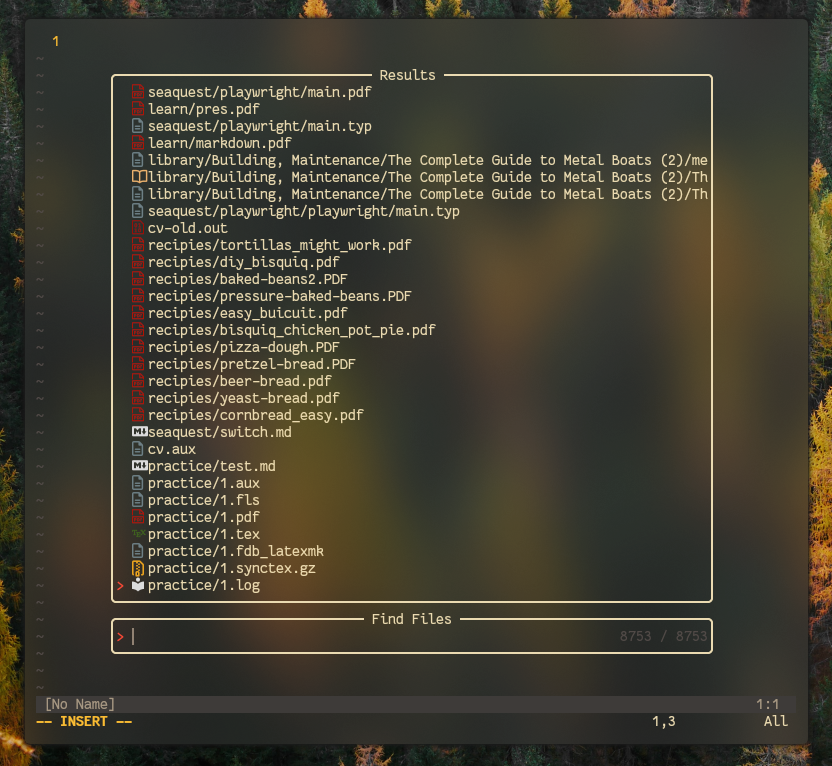 Initially after my Manjaro moonlighting experience I did cinnamon back on NixOS as it was even less declared in the file, but meh once you go to a window manager its hard to go back to a standard environment. Especially as now we, in the real world, are sitting still for the winter aboard so I’m on the computer more.
Now with Flakes
After sort of stubbornly deciding I wasn’t going to use a flakes based setup because it seemed to me to overcomplicate things, I have now switched over. I was definitely just not understanding the point nor how it worked. By learning the how it works I now really get the point and this is the way. Using flakes is like one level higher configuration, locking your channels in and you can have the manually added modules like home-manager defined all at once. I can also keep dotfiles inside all one place so there is no copying or moving things around to reproduce the setup. So Swagger!
My XMonad config works just fine but there are a few dumb XServer things I don’t care to learn about like my screen tearing issue and I can’t frickin’ fullscreen a movie still so I thought the move to Wayland would be worth a go. At the time of this, Hyprland was the obvious choice but now at the time of writing this I’m MangoWC curious lets say as it seems to have some neat dual workspace viewing things as well as a way to do a center view tiled layout which I really liked and used a lot on XMonad.
MangoWC
There will be more information to come here, but having played with MangoWC and having found I could port my configuration from Hyprland which I liked the look of over, I’m definitely sticking with this. It’s a dynamic, layout and tag based, window manager which works a lot more like Xmonad or AwesomeWM which is where I really got used to these pieces of software so it feels like coming home.
Hyprland
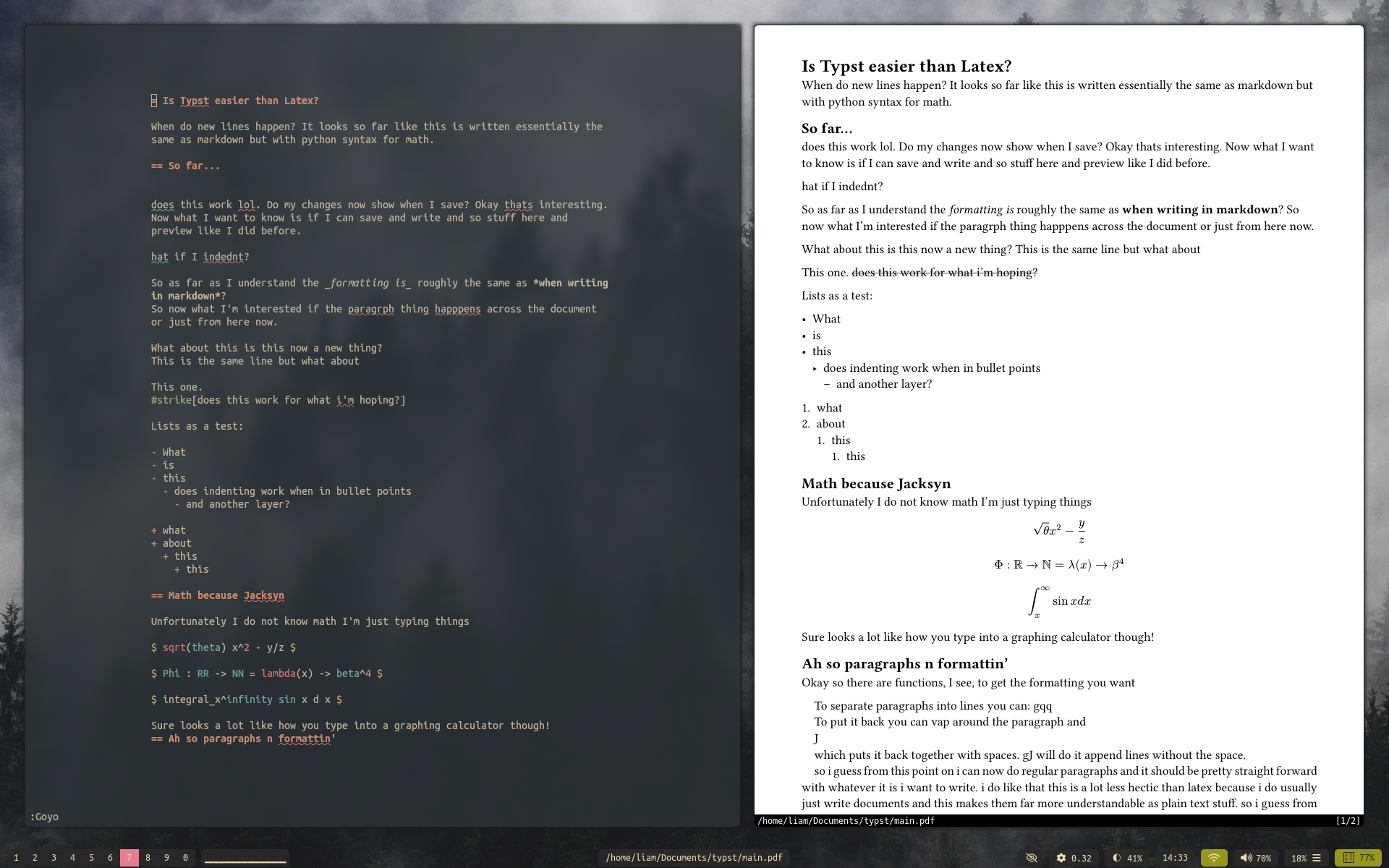
Ah Hyprland. “It’s so easy!” everyone says and has been saying since the time of it coming out during my 6 years of having a functional config and therefore not looking into or learning a single thing about upcoming trendy Linux stuff. It really is easy though. Coming from XMonad holy dooly it’s a walk in the park! No coding language knowledge required, it has a single easy to understand config file you just change things in. You can add stuff from their easy to understand wiki, add stuff you want to load along side at the beginning, and then put the keybindings in the bottom in a pretty easy to understand layout.
There are lots of things built in which used to be huge pains and therefore impossible for the non GNU/Unix hardcores. Mainly the issues stemmed from a lot of effects being partially an XServer thing and partially the window manager. You had to know what to configure where to get this to talk to that for the beginnings of say, animations, to work on your desktop. Not to mention that projects like DWM or XMonad are configured in C and Haskell respectively with you literally altering the programs code to get that crap in there and programming it talking to X, which is notoriously difficult anyway. Hyprland solves all this with Wayland and it just being easy. You can add animations or not, I do not animations make me literally sick, and things like transparency and blur which used to just be so difficult.
One of the hard parts for me used to be getting the media keys and such working but I know now how to find the name of those so that isn’t too bit of a problem, Now this is more like an i3 sort of setup which I don’t love per say. I learned and got used to tiling window managers with AwesomeWM which has, or had maybe, 9 fixed layouts which you toggled between. Hyprland sort of has a main window then others on the side which you can then just move them around. Honestly it doesn’t matter 99% of the time because you usually split 2 windows, want to resize them together, and maybe switch the one on the left with the one on the right; therefore the layout can be whatever. That being said, the lack of other options here is why I’m sort of curious about MangoWC. One of the main things I did in Xmonad was have a centered window which then spawned windows on either side of it sort of in columns. Why I liked this is on a page with a single window I could have the window centered automatically which you can’t do on hypr as far as I get it.
Another interesting aspect here is the accompanying other ‘hypr’ programs that work well alongside hyprland. I never had a clear way to lock my screen for example when closing my laptop it was always super dodgy. I now have a super clean lockscreen that appears to work like it should and that even I understand how to change and theme around. This goes for a screenshot utility, a control thing which I don’t get, and importantly as well an idle config. It used to be so complicated to get my computer to dim the screen in 5 minutes then lock itself and go to standby in 15 or whatever but hypridle takes care of that for you. These obviously work well together also. Love it. Except hyprpaper, their wallpaper thing. It’s stupid, doesn’t refresh automatically, doesn’t work half the time, I use Sway’s which is funny as its the main competitor and the first Wayland tiler as far as I get it. Waypaper works with swaybg and whatever as long as it works.
Waybar

This has been the standard, or well polybar was before Wayland, for a long time now. I sort of hated polybar but I think that’s because I didn’t get it. If you look at my really old screenshots of my original AwesomeWM setup you can see I was using some bullcrap called Tint2 or something which really sucked but I could get it working so I stuck with it. XMobar was actually pretty straight forward and I slowly got the hang of making my own things for it which was really satisfying when I started discovering things I could do with it myself. Now, looking at people’s waybar configurations, it’s really the same thing essentially. Its a config file, a style file, and then you have to have it launched in a script or with your window manager if they have a built in “put your shiz you want to run on launch here” script thing.
That all being said, I have yet to find a way to make a non frustrating a stupid looking vertical waybar configuration on the left side of my screen which would be a dream. I have seen some cool ones, but so many people now have like a million and six extra programs and dependencies they’re using that if I copy their waybar configuration I need to install 6,000 things I’ve never heard of nor want to use to get the bloody thing to even load. I can’t stand that so I’ve saved a few configurations I’ve found which work with just regular shell stuff and build in waybar modules. Don’t talk to me about your setup if it has anything else.
I’ve kept it at the bottom now for ages and I think it makes looking at a laptop screen easier as you’re always sort of looking down so putting the windows further down again with the bar on top sort of seems silly plus it makes the computer feel like it has a forehead.
Kitty
Kitty kitty kitty. I don’t really know much about terminal emulators and you can see in my ‘‘‘configuration.nix’’’ that I don’t do anything fancy so I’ve had no reason to even look into a change from this. I think though somehow after 10 years of me using it, the project is still relevant and people use Kitty to this day in their modern over the top rices.
The config is so easy, granted there are probably a million options I don’t know exist mine hasn’t changed in years and years. The theme setting is also super easy, make a new file and point to that file in the regular kitty.conf. There are the standard colorschemes available. I like Everforest, Rose-pine, and Gruvbox so I have those in that folder, if I get bored in https://github.com/adityatelange/hugo-PaperMod2 years I change from one to the other.
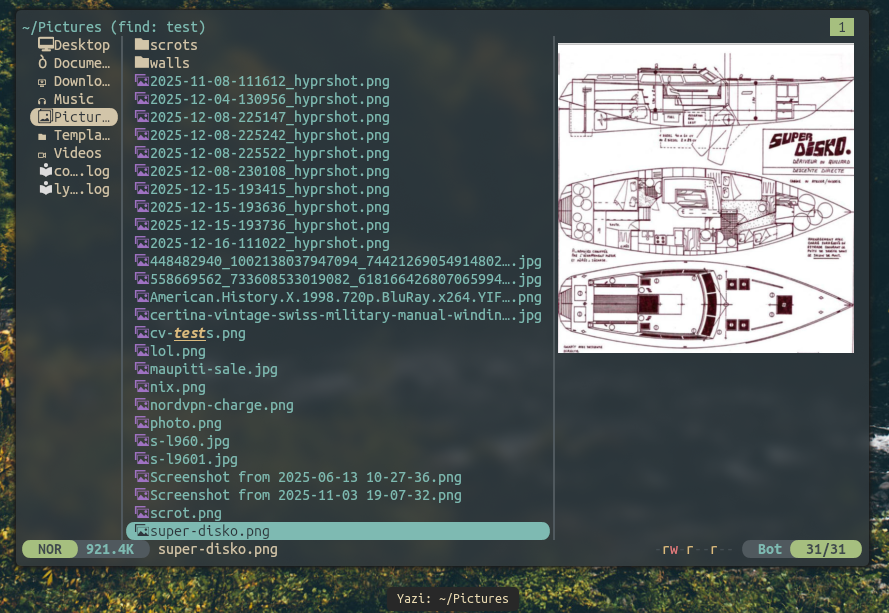
Recently switched to Yazi as my file manager from LF because it has features built in aside from just seeing the names of files and out of the box the image previews work in Kitty? Never had that before so I’m stickin with it.
Emacs
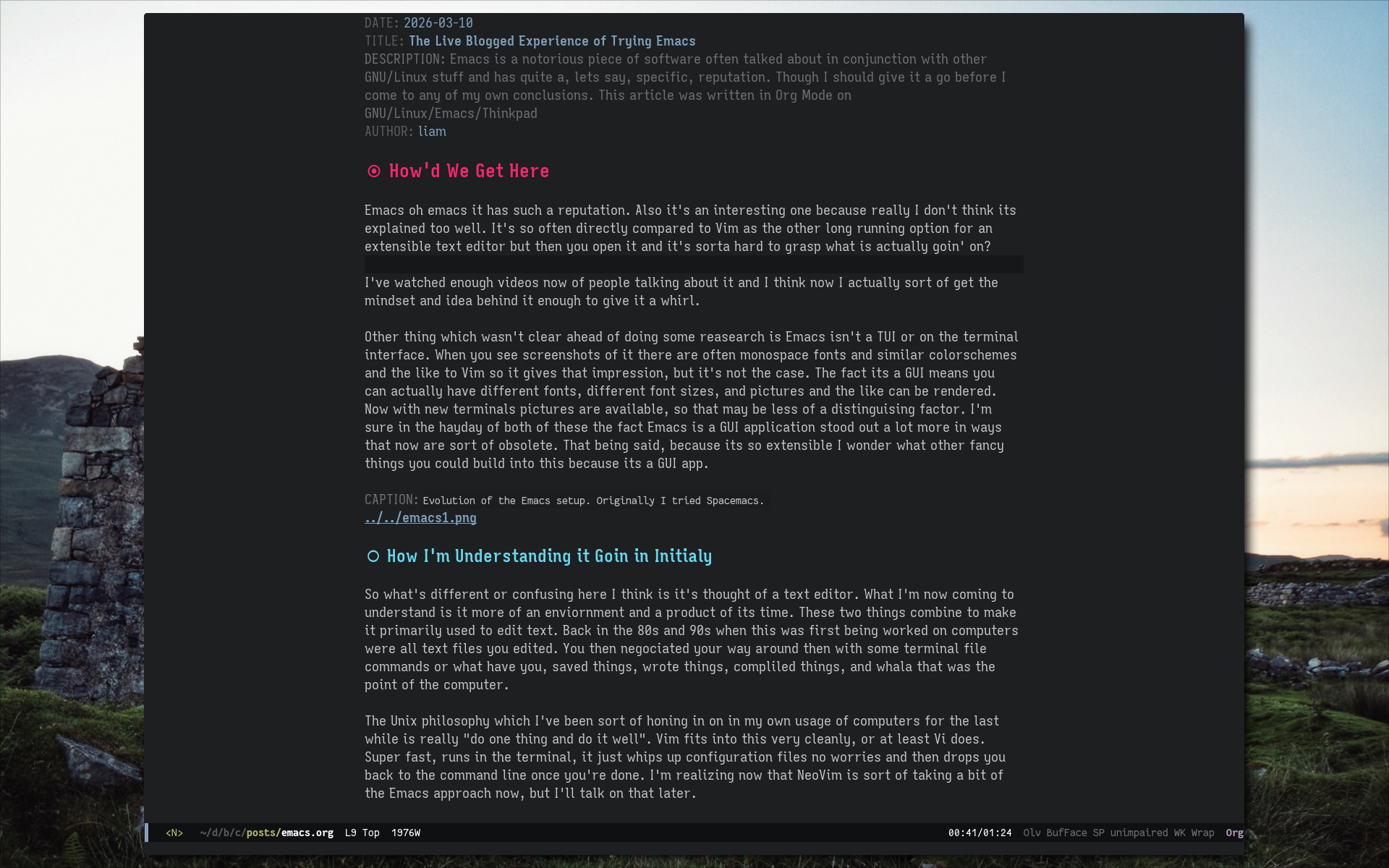
This is a dangerous rabbit hole which I have somehow entirely avoided in 20 years on the Linux desktop. So I hopped in recently to see what the fuss was about and I’m unfortunately maybe sticking around for at least long enough to get a general feel for what the whole experience is like.
Utilities
These are pretty boring so I’m going to lump them together as you can just see that they’re used and I didn’t do much to their setups. With window managers one of the first new user problems you run into is you realize you have no way to do anything. There isn’t a wifi menu, or a way to launch anything, or a way to change the volume, etc. Here are what I use for some of that category:
- Wifi: either nmtui which comes with networkmanager or networkmanager_dmenu which I mapped to a key. I like this its clean and easy and just sorta seems to work. Plus it has a rescan button which nmtui doesn’t.
- Volume: I used to use pulsemixer but just for the sake of it I’ve switched to wiremix for now. I’ve gone back to pulsemixer, lets you select bluetooth devices as output easier lol. I like that with these you can go above 100% which is handy on the not so great speakers on Thinkpads. I also have ‘‘‘alsa-utils’’’ installed as it makes the media keys the easiest to map.
- Bluetooth: This is the bane of my existence, but currently using bluetuith because it seems okay on the cli? And blueman or something when I get pissed and just want to click buttons.
- Music: CMUS, nothing more to say it just works. Press 5, add the folders with music, done deal
- System Control: Random category but I have brightnessctl for brightness keys, pciutils so I can do killall, dnsmasq for some weird network commands, gotop for cooler htop, thats about it
- FZF: Oh this is my new favorite thing I finally get it. Make quick pipped commands and map them in your shell rc to do extra fast finding of config files or documents for example instead of CD’ing around everywhere. Love it
- PDFs: Zathura, is there any other way honestly? Works well with Typst live previewing
- Media: MPV duh lol
- Nix Searching: Going on the site to always find whats available can be annoying, ‘‘’nix-search-cli’’’ works well in the terminal for packages, just using ‘‘‘man configuration.nix’’’ shows all the options, how cool!
Conclusion
That’s literally about it. I’ll have another post somewhere and maybe append it here about making documents which I do with Typst mainly but also use LaTeX for any big projects, like my CV, which are already done in LaTeX which I can’t be stuffed to remake. If you think about it, what do you really do on your computer, use a web browser, make documents, watch movies/shows, move your files around for one reason or another. I’ve come to realize that means you really need an editor, viewer for each file type, web browser, file explorer maybe, and the document compile thing, and that’s about it so that’s about all I got.